QA, QC and inspection teams often find issues whose meaning depends on a technical drawing: an installed condition differs from the drawing, a detail is unclear, or a record drawing needs correction. Xenmark can keep those drawing-linked findings anchored to the issued PDF and carry the review into the next revision.
It is not an inspection-management, NCR, defect or punch-list platform. It covers only the drawing-review part of quality and inspection work.
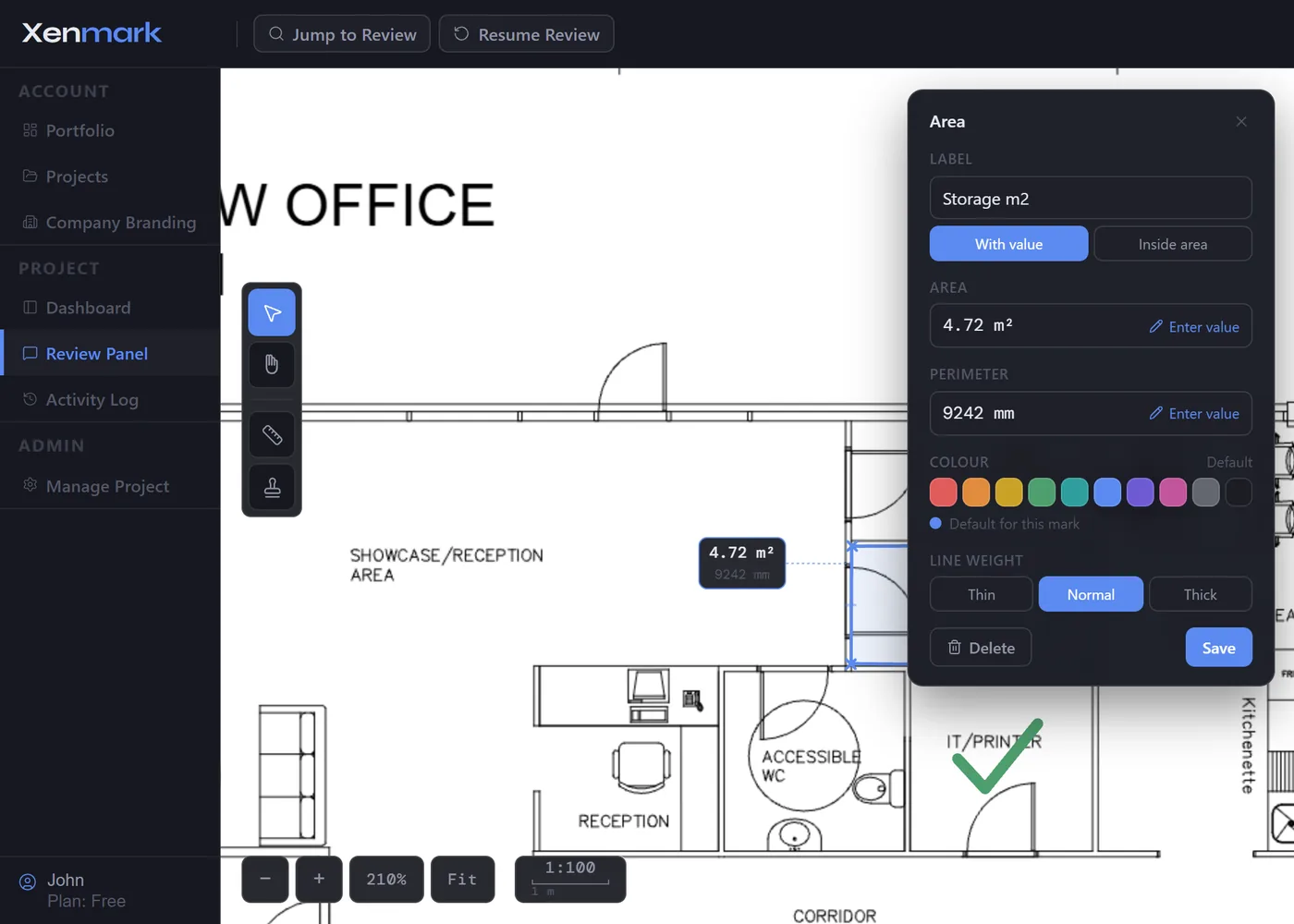
Which QA/QC or inspection findings belong in a drawing review?
A strong fit is a finding that somebody needs to understand by looking at the drawing location. Examples include an installed arrangement that appears inconsistent with the drawing, an unclear detail, an equipment location that needs design confirmation or a record drawing that needs checking after a site change.
A general workmanship defect, test failure or inspection checklist item that does not depend on a drawing belongs in the organisation’s quality or inspection system instead.
How should an inspector record a drawing-linked observation?
Open the issued PDF and place a numbered comment at the exact location concerned. Describe the observed condition factually and identify what needs review rather than declaring an engineering conclusion.
Where useful, add location identifiers, measured field values or an image attachment. The contractor, designer or owner can then understand the observation without reconstructing the drawing context from a separate report. The observation remains review input until the responsible party verifies it.
How can the responsible designer or contractor answer the finding?
Reply in the thread attached to the numbered point. The responsible party can ask for more detail, explain the intended drawing condition or confirm that a revised drawing will be prepared.
If the issue also requires an NCR, defect, punch-list item or inspection record, that workflow continues in the designated quality system. The Xenmark comment can provide the visual drawing reference rather than replacing the formal quality record.
What happens when a corrected drawing is issued?
Upload the new PDF as the next revision of the same drawing. The original QA/QC observation remains on the earlier issue, so the inspector or reviewer can compare the returned drawing with what was originally raised.
Xenmark does not certify that the new drawing is correct, automatically close the quality finding or prove that the physical installation complies. The responsible reviewer assesses the revision while formal closeout stays in the quality process.
Can measurement and image attachments support a quality review?
Yes, when they provide useful context. A reviewer can include an observed field measurement in the comment text, attach an image in the reply thread, or use calibrated PDF measurement tools where the drawing scale is suitable.
Those details help another party understand the issue. They do not turn Xenmark into a calibrated inspection instrument, survey system or source of verified site data. Use the organisation’s required measurement and inspection methods for formal acceptance.
Can the review record support commissioning and handover?
Yes, when the point is specifically about drawing information. A structured review history can help commissioning or handover teams understand which drawing discrepancies were raised and which revised PDFs were checked.
The marked-up PDF and Excel register can be exported as a review record. The final accepted record drawing and formal quality closeout should still be stored in the owner’s controlled systems. See Commissioning & Handover Teams.
How can QA/QC teams avoid confusing comment status with formal acceptance?
A Xenmark status describes the state of the collaborative review comment. It should not be treated as equivalent to an NCR closure, inspection acceptance, approved-for-construction status, test result or formal quality sign-off.
The comment can show that the drawing-related discussion has been answered, while the authorised quality process determines whether the underlying finding is formally closed.
Does Xenmark replace inspection software, NCR management or punch lists?
No. Xenmark does not schedule inspections, manage checklists, issue NCRs, track general defects or provide formal quality approval.
Its role is narrower: when a quality or inspection issue depends on a drawing, Xenmark keeps the observation, discussion and later drawing revision tied to the visual location that gives the issue meaning.
When should a QA/QC issue stay outside Xenmark entirely?
Keep the issue in the quality or inspection platform when the drawing location is incidental rather than central. Test results, inspection schedules, checklist completion, general workmanship defects, NCR administration and punch-list management need workflows Xenmark does not provide.
Use Xenmark when seeing the exact drawing location materially improves the review: the finding needs to be understood against the drawing, answered by the responsible design or delivery party, and then checked against a later PDF revision.
Xenmark is for reviewing and coordinating issued PDF drawings. It does not replace the CAD, BIM, engineering or design-authoring software used to create the design, and it does not perform formal technical, contractual, statutory or regulatory approval.